- Home
- News
- News items
- Zennio KNX Soft: an ordinary looking switch with KNX behind it
Zennio KNX Soft: an ordinary looking switch with KNX behind it
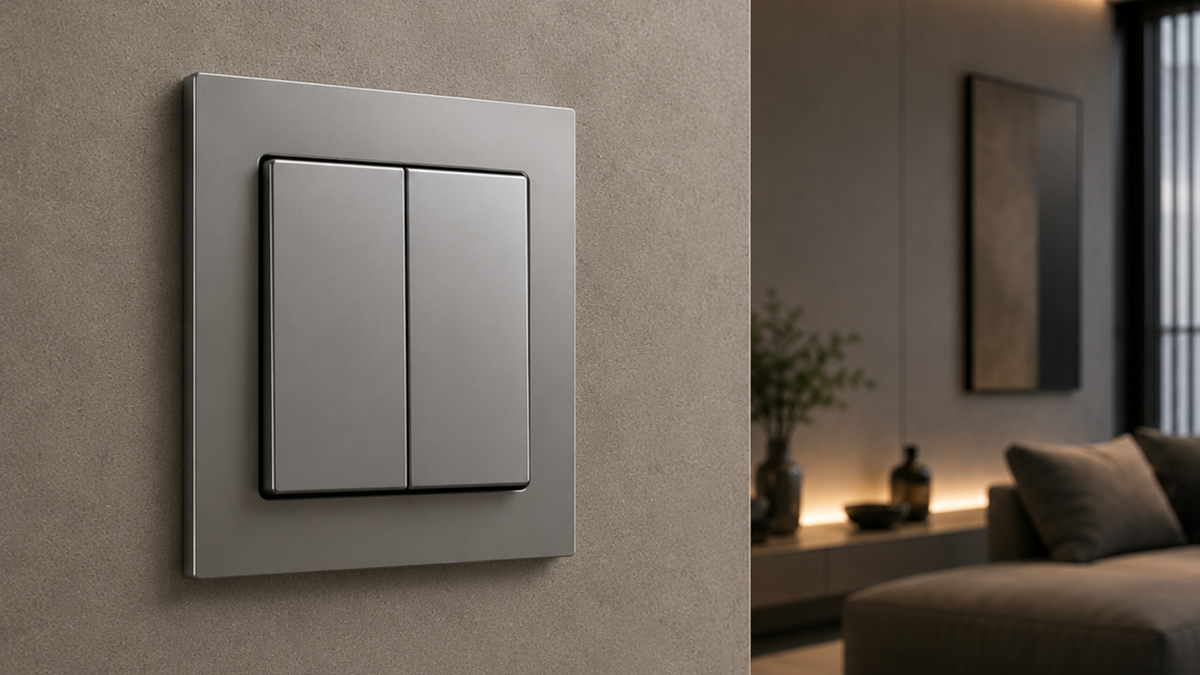
Not every client wants a glass panel on the wall. Plenty of people walk into a room, reach for the switch they have used their whole life, and expect it to click. That instinct is one of the quieter reasons automation projects get pushback, and it is exactly the gap Zennio's KNX Soft push buttons are built to close: a switch that looks and feels conventional, wired to a bus that can run the whole house.
A familiar press, a smarter output
The KNX Soft range keeps the mechanical action people already know. You press the cover, it moves, it feels like a switch. What changes is what happens next. Instead of breaking a circuit locally, the press sends a KNX telegram, so the same physical button can dim a light, recall a scene, drive blinds, adjust a setpoint or trigger anything else the bus is configured to do.
For integrators, that means the conversation with a client who is nervous about touch interfaces gets a lot easier. The interface stays familiar. The capability underneath does not have to be compromised.
Two formats, one or two buttons
The range comes in two sizes:
KNX Soft 55x55 (ZS55SOFT) for the standard 55 mm format
KNX Soft 70x70 (ZS70SOFT) for the larger 70 mm format
Both are available as a single button (one tilt cover) or a double button (two tilt covers). Configuration also covers how each cover is activated: press on the bottom only, or press on both top and bottom, which effectively doubles the number of functions available on the same plate.
That flexibility matters when you are laying out a house. A single button with bottom only activation is the obvious choice at an entry door where a client just wants one clear action. A double button with top and bottom activation gives you four functions in the same footprint, which is usually enough to cover lighting circuits and a blind on a single wall point.
Icons, or none at all
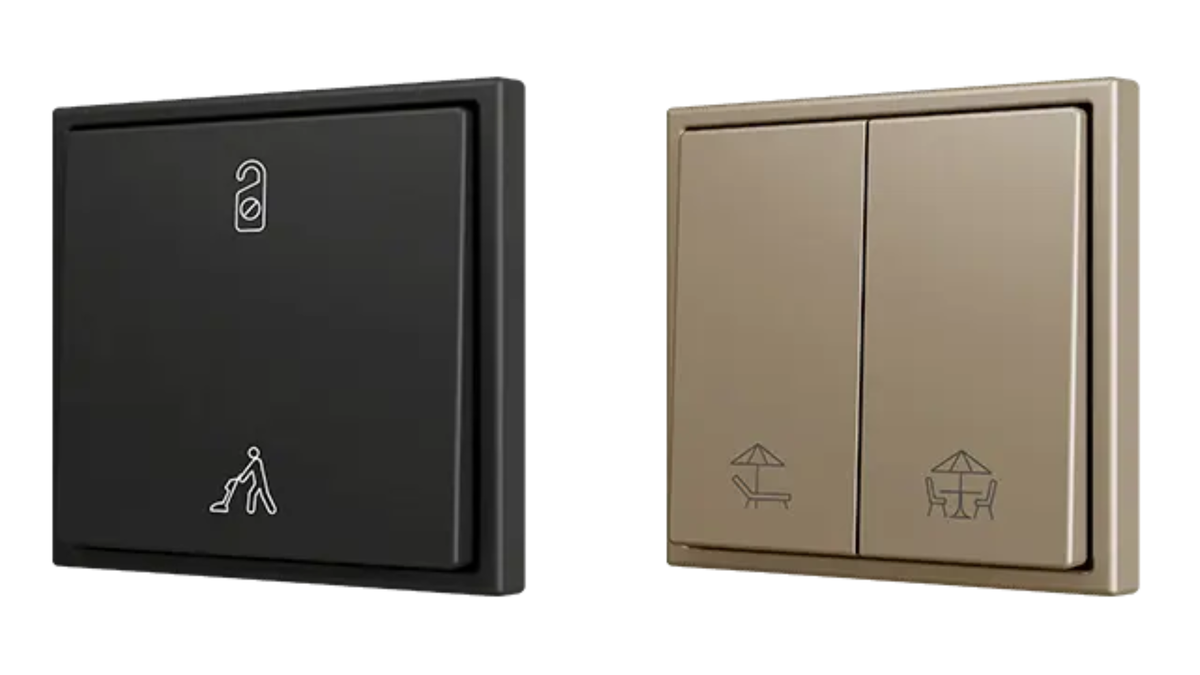
Plain covers with no icons are available for projects where the wall should stay as quiet as possible. If a bit of guidance helps, standard options include light, key and doorbell icons, and shutter icons on the relevant configurations.
Beyond that, Zennio's Touch-MyDesign tool lets you specify custom designs, so a switch can carry an icon or wording that actually matches what it does in that room rather than something generic. Useful in commercial fitouts and hospitality, where staff and guests need to read a wall point correctly the first time.
Five finishes
Both formats come in five finishes, all referenced to RAL standards so they can be matched against a specification without guesswork:
- Matt White (RAL 9016)
- Anthracite Black (RAL 9004)
- Silver (RAL 9006)
- Champagne (RAL 1035)
- Mocha (RAL 7006)
Temperature sensing built in
Each KNX Soft push button includes an internal temperature probe and a thermostat, so a wall point can double as the climate control for that room without adding a separate device. There is also an analogue input that can be configured for an external temperature sensor, which is handy when the best place to measure is not the same as the best place to mount a switch.
It uses the frames you already stock
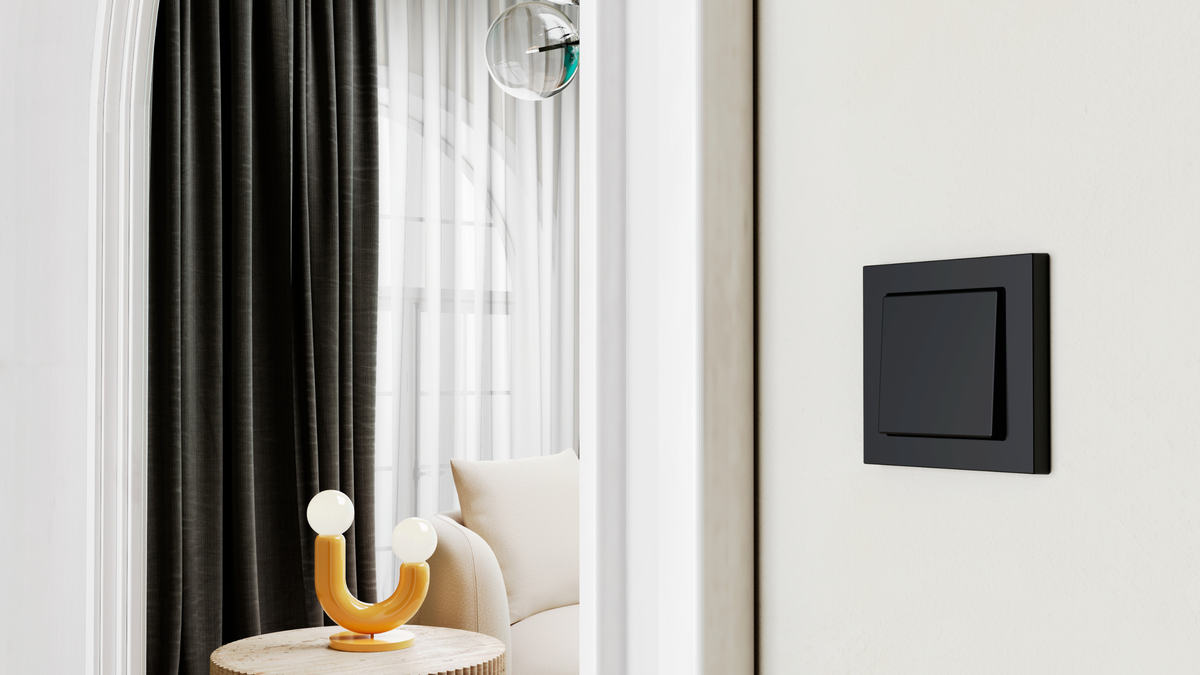
The 55 mm models take ZS55 frames and the 70 mm models take ZS70 frames, the same frame families used across Zennio's other keypads. Frames are ordered separately, which is worth remembering when quoting, but it also means a project can mix interface types across different rooms and keep a consistent look on the wall.
The metal mounting accessory (ZACHOLD3) is included with the device.
Commissioning
The KNX Soft push buttons are configured through ETS5 or ETS6 using the KNX Soft application program, and the devices are KNX Secure compatible for projects where secure commissioning and communication are part of the brief.
Where it fits
The KNX Soft range is a good answer for renovations where the client is attached to the way their switches work, for rental and multi residential projects where the interface needs to be immediately obvious, and for any job where the design intent is a wall that looks completely ordinary while the system behind it is anything but.
If you have a project coming up and want help working out the right configuration, format and finish, get in touch with the Ivory Egg Australia team and we can go through it with you.